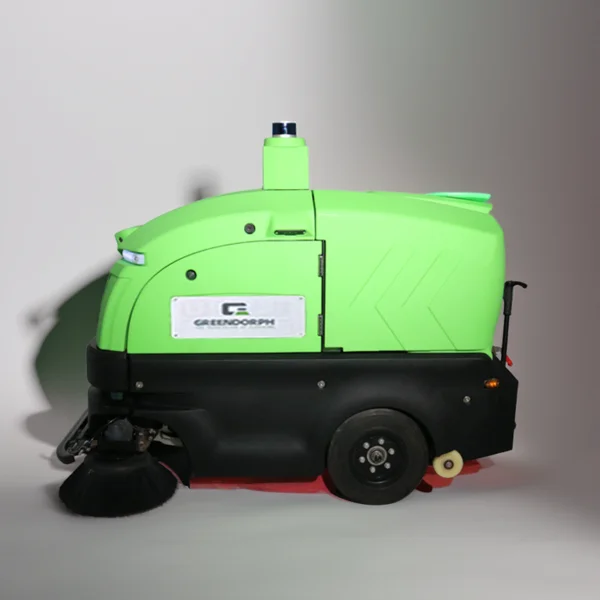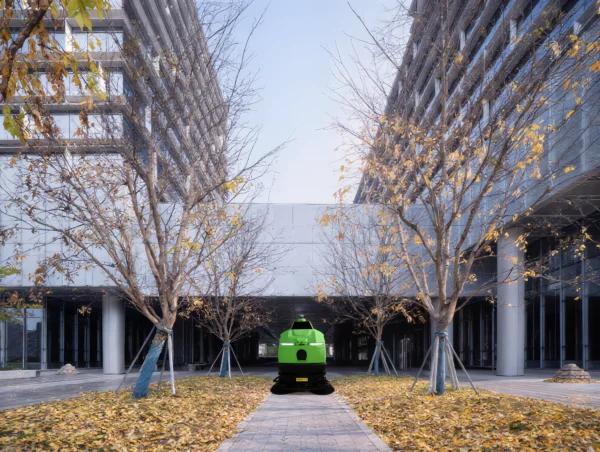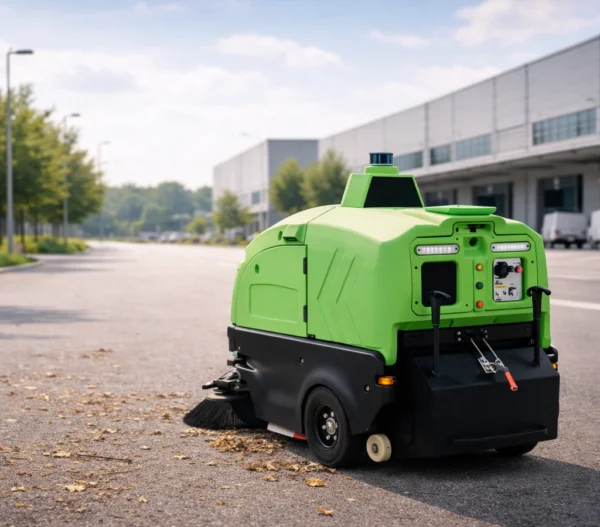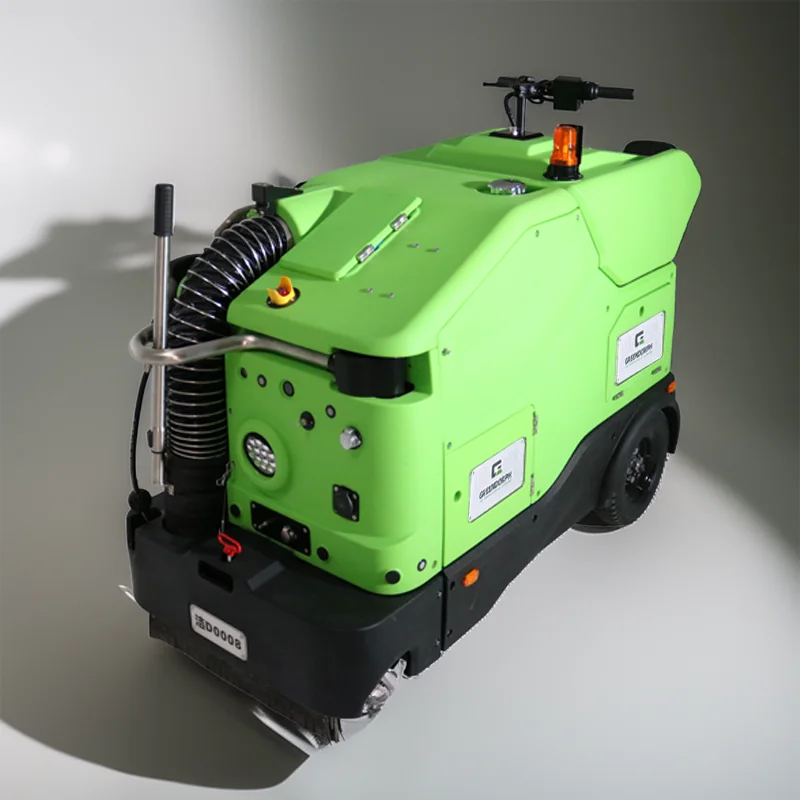
Modern convenience in shared residential environments relies heavily on the seamless connection between hardware and the facility’s wireless infrastructure. When we manage the setup of a community floor scrubber machine, we often find that the most frequent obstacles to performance are not mechanical, but rather digital. At Greendorph, we treat these intermittent connectivity drops as technical challenges that require a methodical approach to signal management. Identifying the root cause of these disruptions allows building managers to regain control over their automated schedules without constant manual oversight.
Analyzing Signal Strength and Network Interference
The performance of your residential floor scrubber machine is inherently tied to the quality of the wireless environment within the residential complex. If the main network hub is positioned behind thick walls or far from the common area, the signal attenuation can cause your residential floor scrubber machine to lose its connection to the control center. We suggest placing access points in open, centralized locations to ensure the equipment receives a steady data stream. When the connection remains unstable, we examine other devices on the network, as competing signals from smart building systems can create noise that hinders your residential floor scrubber machine from communicating its status updates correctly.
Updating Firmware to Maintain System Integrity
Software glitches frequently manifest as connectivity failures, especially when the firmware on your community floor scrubber machine is out of date. We consistently find that manufacturers release patches to address these specific communication bugs, making regular software updates a necessity for stable operation. At Greendorph, we emphasize that ignoring these notifications creates an accumulation of minor errors that eventually prevents the unit from syncing with your management software. By performing a clean update, you often resolve persistent sync issues and gain access to improved pathing algorithms that make the equipment more efficient throughout the property.
Troubleshooting Device Pairing and Reset Procedures
When a unit refuses to pair with your local network, a full factory reset is often the most effective remedy to clear stored cache and configuration errors. We recognize that starting from a fresh state is occasionally necessary for community floor cleaning machines to re-establish a secure handshake with the building network. Before attempting this, ensure that your mobile device or management console is using the correct frequency band, as many automated units are restricted to 2.4GHz connections and will fail to pair if forced onto a 5GHz network. With the guidance of Greendorph, we help users verify these settings, ensuring that the hardware integrates perfectly with the site infrastructure.
Ensuring Reliable Long-Term Performance
Maintaining a consistent connection between your residential floor scrubber machine and your building network ensures that your automated maintenance remains truly hands-off. By focusing on signal placement, keeping firmware current, and following proper pairing protocols, you eliminate the common headaches associated with smart community devices. We remain committed to helping you sustain this level of operational reliability for every residential floor scrubber machine in your facility, ensuring your floors stay pristine without the frustration of repeated technical pauses. Regular attention to these digital hygiene practices guarantees that your investment continues to provide the convenience and time-saving benefits you expected—and keeps your residential floor scrubber machine performing at its best, day after day.